
7 Best Focus Music Apps for Coding and Programming (2026)
Free and paid focus music apps for coding in 2026, with prices: musicForProgramming, Brain.fm, Endel, Omix, focus.music, Noisli, and lofi on YouTube.
Programmers have a complicated relationship with music. Some swear by it. Others find any audio distracting. And the ones who do listen tend to have strong opinions about what works and what doesn't.
After years of debate in subreddits, Hacker News threads, and dev Discords, a few patterns have emerged. Here's what actually works for coding, why, and the best tools to try in 2026.
Why music helps (or hurts) programming
The research is mixed, but the practical consensus among developers is consistent: the right music helps with repetitive or familiar tasks and hurts with complex problem-solving that requires verbal reasoning.
What that means in practice: music with lyrics competes with the part of your brain that processes code syntax and logic. Instrumental music, ambient textures, and noise-based audio occupy just enough attention to block out distractions without interfering with the work.
The "best" focus music for programming isn't a genre. It's whatever fills your auditory background without demanding attention. With that in mind, here are the options worth considering. Prices are as of September 2026.
1. musicForProgramming()
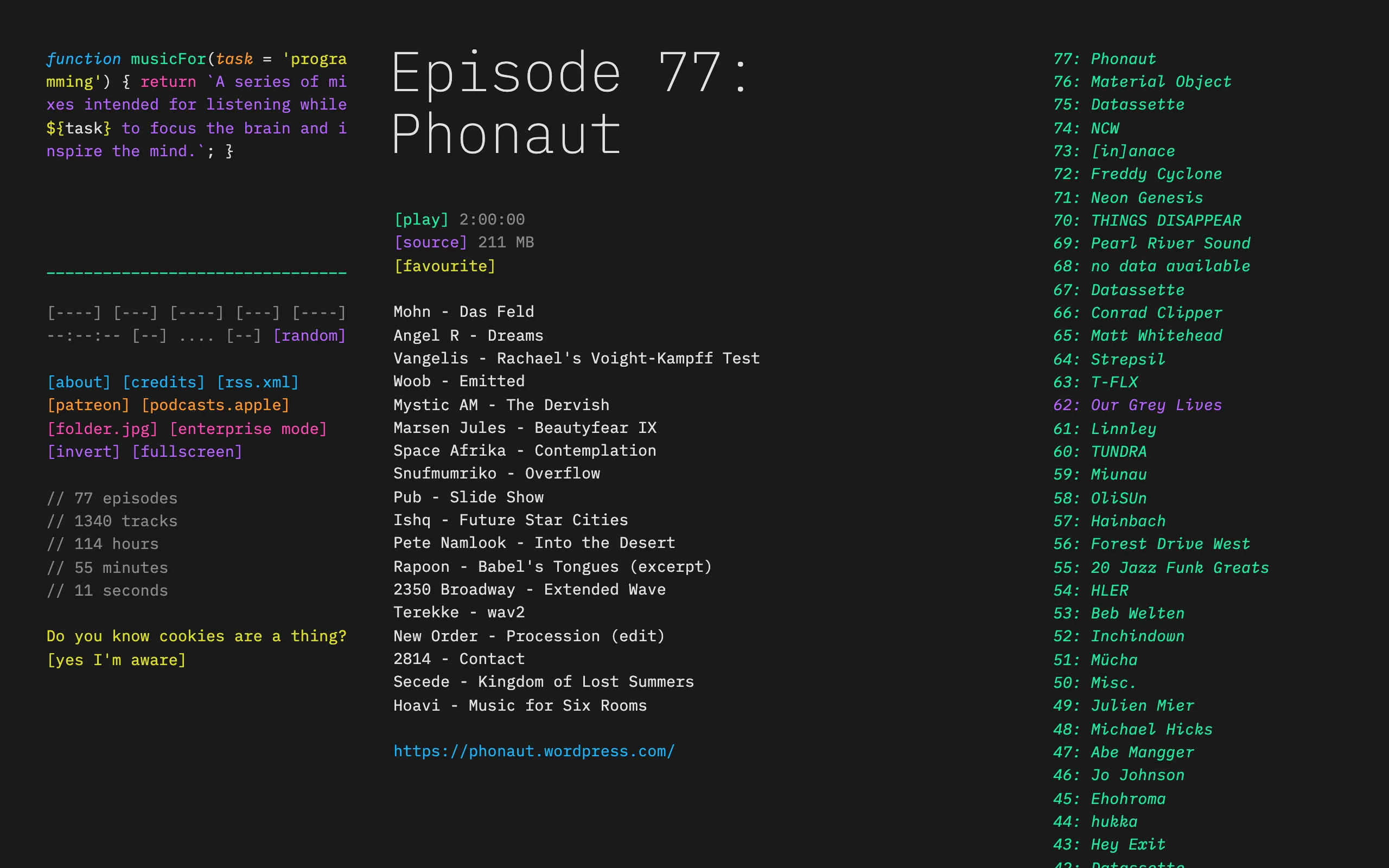
What it is: A free, curated collection of long ambient mixes specifically selected for programming. Each episode is a long mix (about 90 minutes on average) of carefully selected ambient and electronic music.
Why developers love it: The aesthetic is perfect (it looks like a code editor), the music selection is genuinely excellent, and it's completely free with no account required. The mixes are handpicked by people who actually program, which matters more than it sounds.
Limitations: No adaptive features. No dedicated app, though you can listen on your phone through its RSS feed or Apple Podcasts. No variety controls. The mixes are fixed, and new episodes arrive every few months (episode 79 came out in August 2026), so daily listeners will hear repeats.
Best for: Developers who want zero friction. Open the site, pick a mix, code.
Price: Free. musicforprogramming.net
2. Brain.fm
What it is: Focus music built around what Brain.fm calls phase-locking neural modulation: fast, subtle volume changes inside the music, designed to guide your brain into a focus state. Brain.fm says its music is composed by humans, and you can turn the modulation intensity up or down.
Why developers love it: It works. The science is debatable, but a lot of programmers report genuine improvements in sustained attention. The "focus" mode feels noticeably different from regular ambient music. It has web, iOS, Android, and desktop apps.
Limitations: Subscription-only pricing at $14.99/month ($99.99/year) after a 14-day free trial, with no free plan and no lifetime option. Long-term users report the tracks feeling repetitive after months of daily use. Cancellation complaints are frequent on Trustpilot.
Best for: Developers who want a scientifically-oriented approach and don't mind a subscription.
Price: $14.99/month or $99.99/year. brain.fm
3. Omix
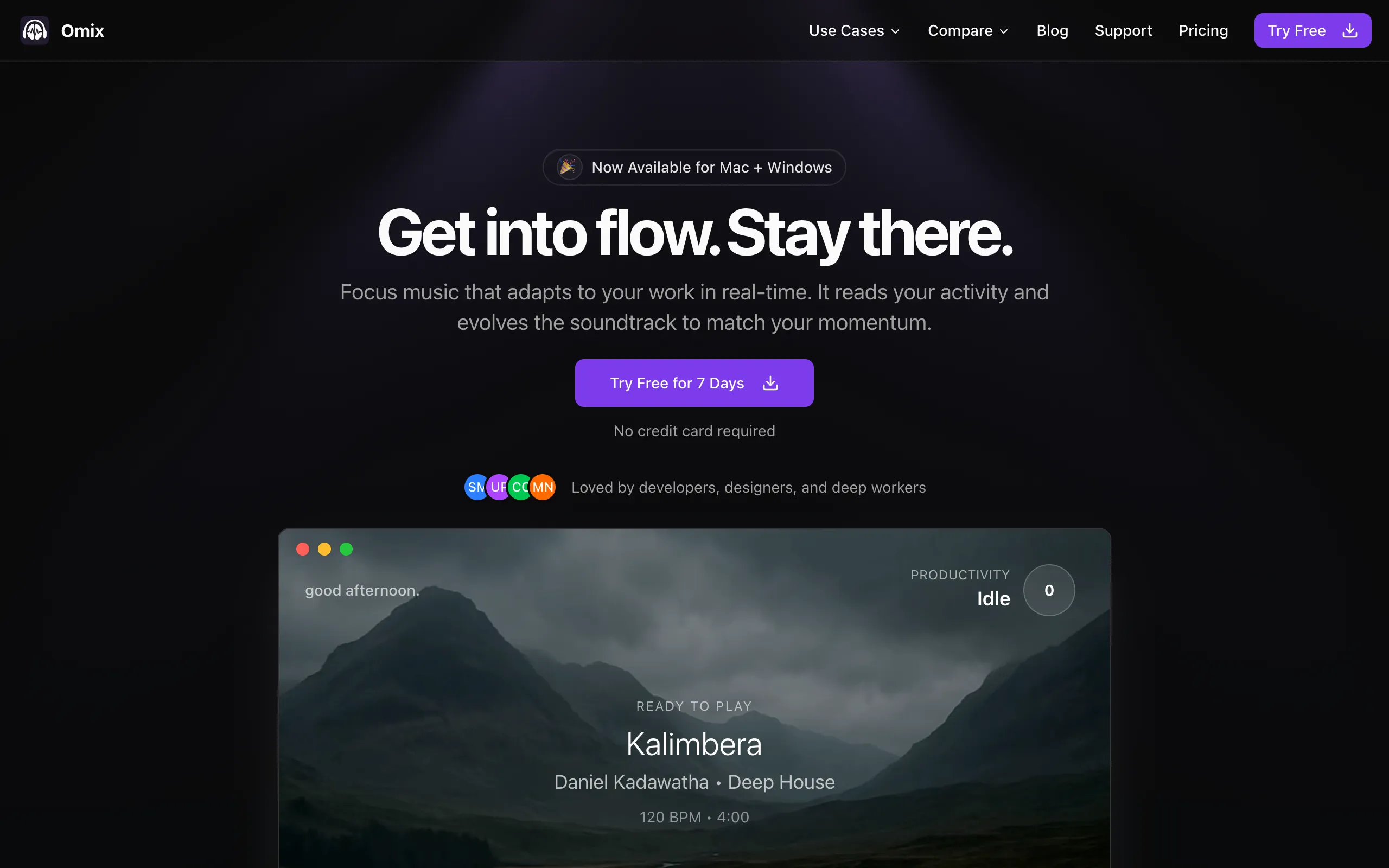
What it is: A native desktop app (Mac and Windows) that monitors your keyboard and mouse activity, then adjusts music in real-time to match your work rhythm. When you're typing fast, the beat builds. When you pause, it fades to ambient. Think of it as a soundtrack that scores your coding sessions.
Why developers love it: The activity monitoring is what sets it apart. Instead of pressing play and hoping the music matches your energy, Omix creates a feedback loop. Developers doing long coding sessions report falling into flow states faster because the music responds to their behavior. It also includes built-in focus tracking, so you get data on your productivity patterns. Native app means no browser tab competing for attention.
Limitations: Desktop only (no mobile app). Newer and less established than Brain.fm. The activity monitoring requires accessibility permissions on Mac, which some users are cautious about. Smaller music library than some competitors, though it covers deep house, jazz fusion, lofi, post-rock, and dark techno.
Best for: Developers who do extended coding sessions at a desk and want music that reacts to their workflow rather than playing on a timer.
Price: $7.99/month, $59/year, or $119 lifetime (Founder's Deal, limited spots). 7-day free trial, no credit card. omix.app
4. Endel
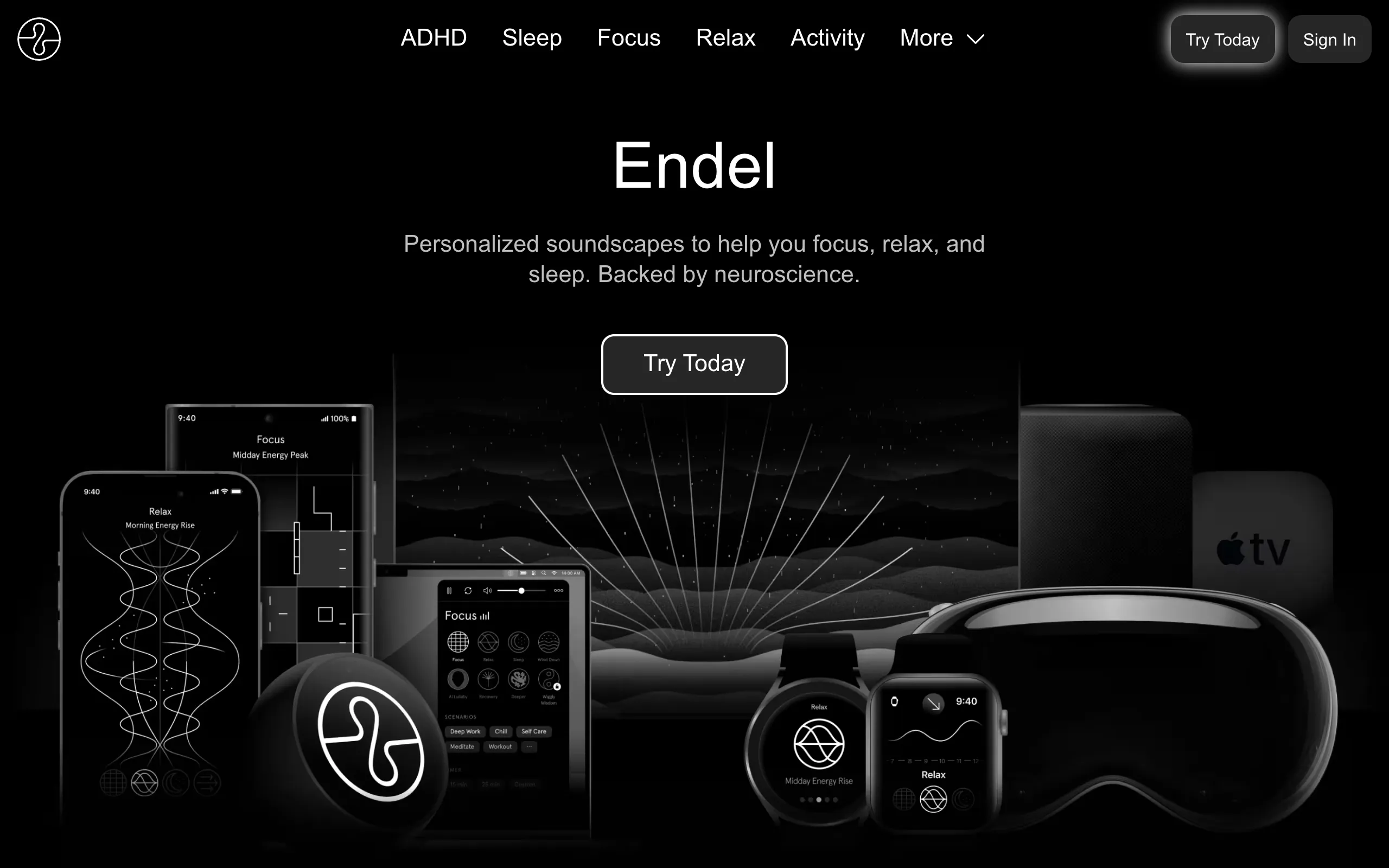
What it is: An adaptive soundscape app that generates audio based on your time of day, weather, heart rate (via Apple Watch), and motion data. It covers focus, relax, sleep, and movement modes, and runs on iOS, Android, Mac, Windows, the web, and Apple Watch.
Why developers love it: Beautiful sound design, Apple ecosystem integration, and a genuinely calming experience. If you're an iOS/Apple Watch user, the integration is seamless. Backed by $22M+ in funding, so the production quality is high.
Limitations: It adapts to your environment, not your work. Endel doesn't know if you're writing code or scrolling Twitter. It knows it's 2 PM and cloudy. That's a philosophical difference that matters for programmers who want their music to respond to what they're doing.
Best for: Apple ecosystem users who want an adaptive ambient experience across their whole day, not just coding sessions.
Price: $6.99/month, $39.99/year, or $249.99 lifetime on Endel's website (App Store prices differ). A free tier plays sessions of up to 10 minutes. endel.io
5. Focus@Will (now focus.music)
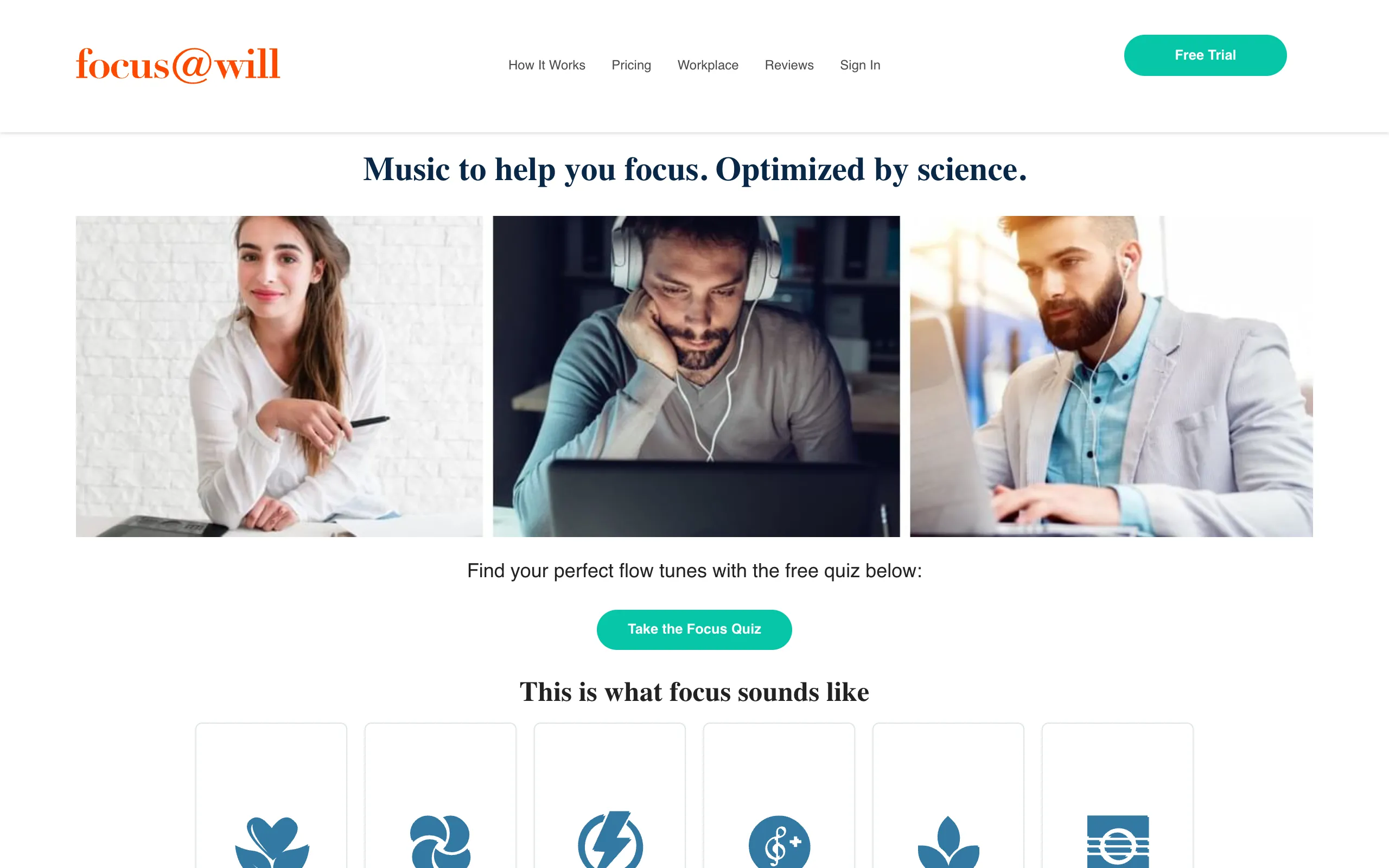
What it is: One of the earliest focus music apps, now renamed focus.music. It plays channels of human-composed, instrumental music built for focus, in timed or free-flow sessions.
Why developers love it: The channel system lets you dial in a specific type of focus music. Guided mode suggests a channel for the task you name and learns from your past sessions, which is a helpful starting point if you don't know what works for you. It runs on Mac, Windows, the web, iOS, and Android.
Limitations: Its personalization comes from your session history, such as which channels hold your attention, rather than from what you're doing at the keyboard. You can try a session without an account, but unlimited listening needs a subscription after the 7-day free trial, and there's no lifetime option listed.
Best for: Developers who want structured music channels and like working in timed sessions.
Price: $4.99/month or $39.99/year, with a 7-day free trial. focus.music
6. Noisli
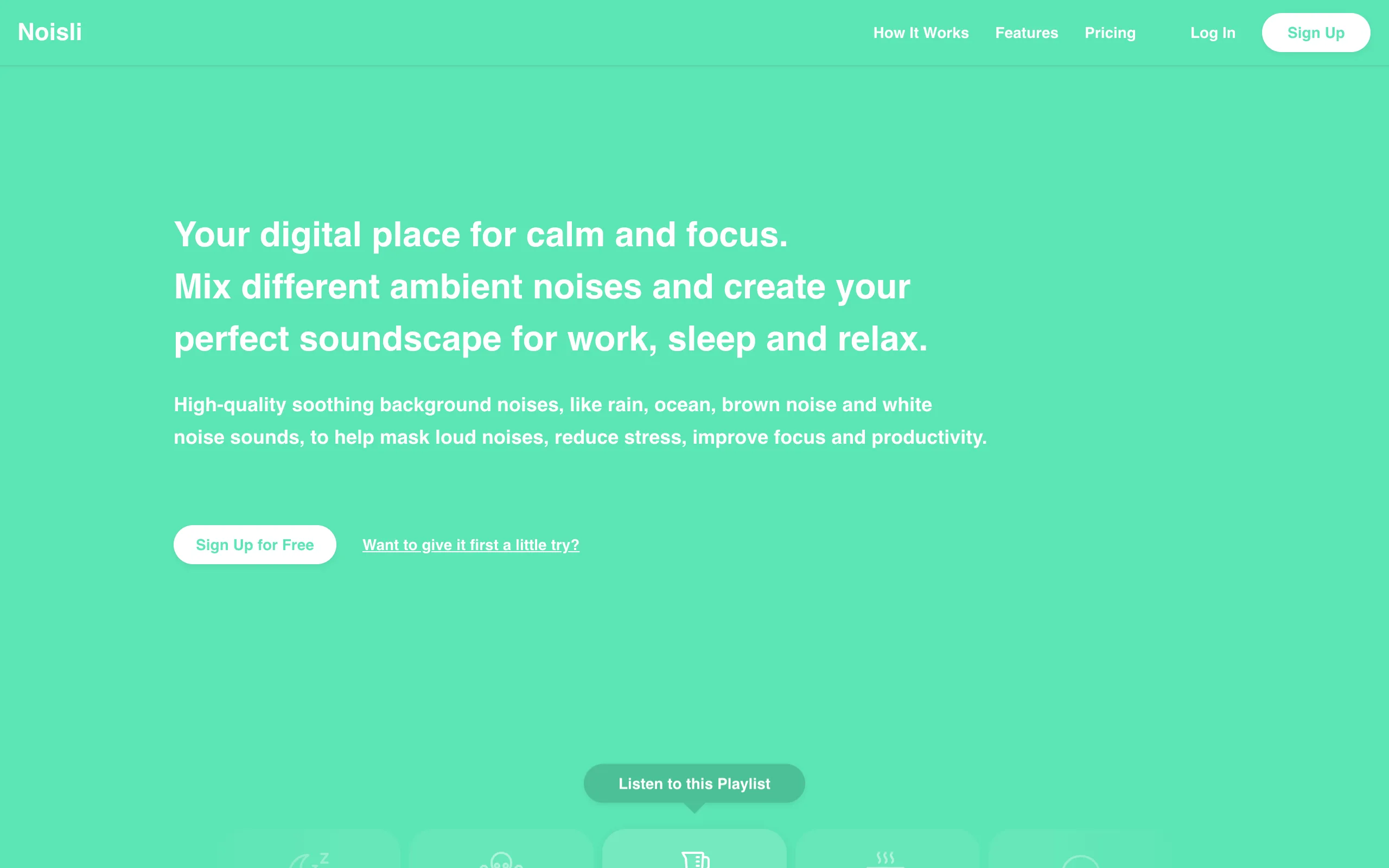
What it is: An ambient noise generator that lets you mix sounds like rain, thunder, wind, coffee shop chatter, and white noise into custom combinations.
Why developers love it: Complete control over your audio environment. You can dial in exactly the mix of sounds that works for you. Saved combos mean you can switch between "deep debugging" and "routine coding" environments. The web app is clean and lightweight.
Limitations: It's noise, not music. Some developers find pure noise too monotonous for long sessions. No adaptive features. The free tier limits daily usage.
Best for: Developers who prefer ambient noise over music and want granular control over their audio environment.
Price: Free tier available, Pro at $10/month billed yearly. noisli.com
7. The Spotify/YouTube playlist approach
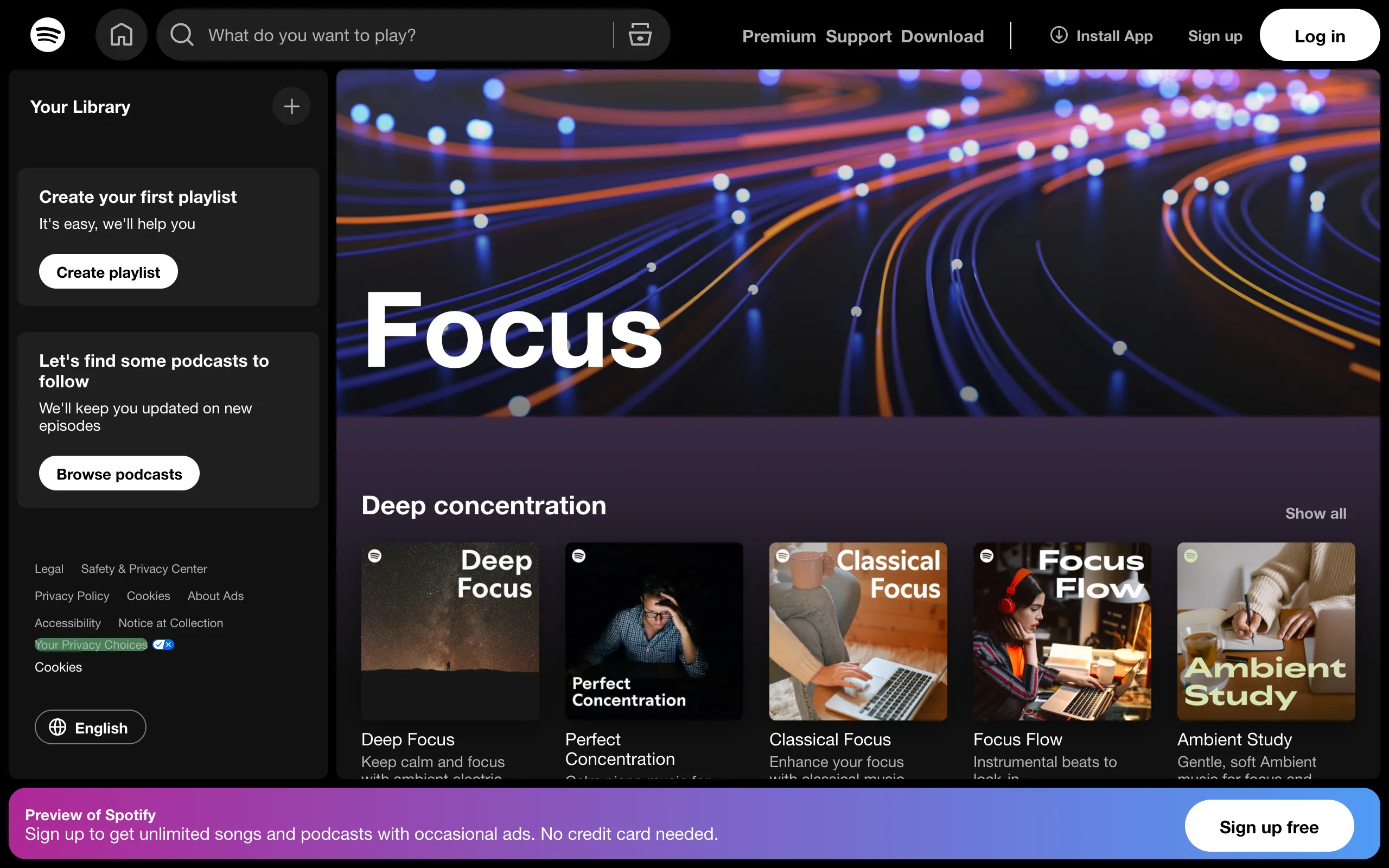
What it is: Curating your own playlists on Spotify, YouTube, or Apple Music. Popular choices include lofi hip-hop streams, ambient electronic playlists, video game soundtracks, and post-rock.
Why developers love it: Free (or included with an existing subscription). Endless variety. Complete control. The lofi girl stream on YouTube has become a cultural icon in dev circles for a reason.
Limitations: Playlist management is its own distraction. You'll inevitably spend 10 minutes swapping tracks when you should be coding. No adaptive features. Algorithmic recommendations can introduce jarring songs that break your flow. And the temptation to browse music instead of working is always one click away.
Best for: Developers who already have a music subscription and strong enough discipline to not fiddle with it mid-session.
Price: Free (YouTube) or included with existing subscriptions.
What actually matters for coding
After looking at all these options, the differences that matter most for programmers come down to a few things:
No lyrics. This is basically universal. Even instrumental versions of songs you know can trigger lyric recall, which competes with code-reading. Pure ambient, electronic, or generated audio works best.
Consistency without monotony. You need enough variation to prevent habituation (your brain stops registering the audio and distractions creep back in) but not so much variation that the music itself becomes a distraction.
Low friction. The best focus music setup is the one you can start in under 5 seconds and forget about. If you're managing playlists, switching tabs, or adjusting settings, the tool is failing at its job.
Desktop integration matters. Programmers work at desks. A native app that stays out of the way beats a browser tab that fights for attention.
The honest recommendation
There's no single best option. It depends on how you work:
- If you want free and simple: musicForProgramming() is hard to beat.
- If you want scientifically designed audio with mobile support: Brain.fm is the established player.
- If you want music that actually responds to your coding rhythm: Omix is the only option that monitors your work activity.
- If you're deep in the Apple ecosystem: Endel integrates beautifully.
- If you prefer building your own audio environment: Noisli gives you the controls.
- If you already have Spotify/YouTube: start there, but be honest about whether it's working. Many developers find that lofi playlists actually hurt sustained focus over long sessions.
The best advice is to try two or three of these for a week each and track your output. You'll know quickly which one sticks. Most of them offer free trials, so the only cost is time.
Try Omix free for 7 days, no credit card required. Native Mac and Windows app with music that adapts to your coding flow. Download →
Related reading
Ready to boost your focus?
Try Omix free and discover adaptive focus music that responds to how you work.