Omix vs Noisli
Noisli lets you mix ambient sounds. Omix builds a real musical soundtrack around your workflow. Here's how they compare for focus and productivity.
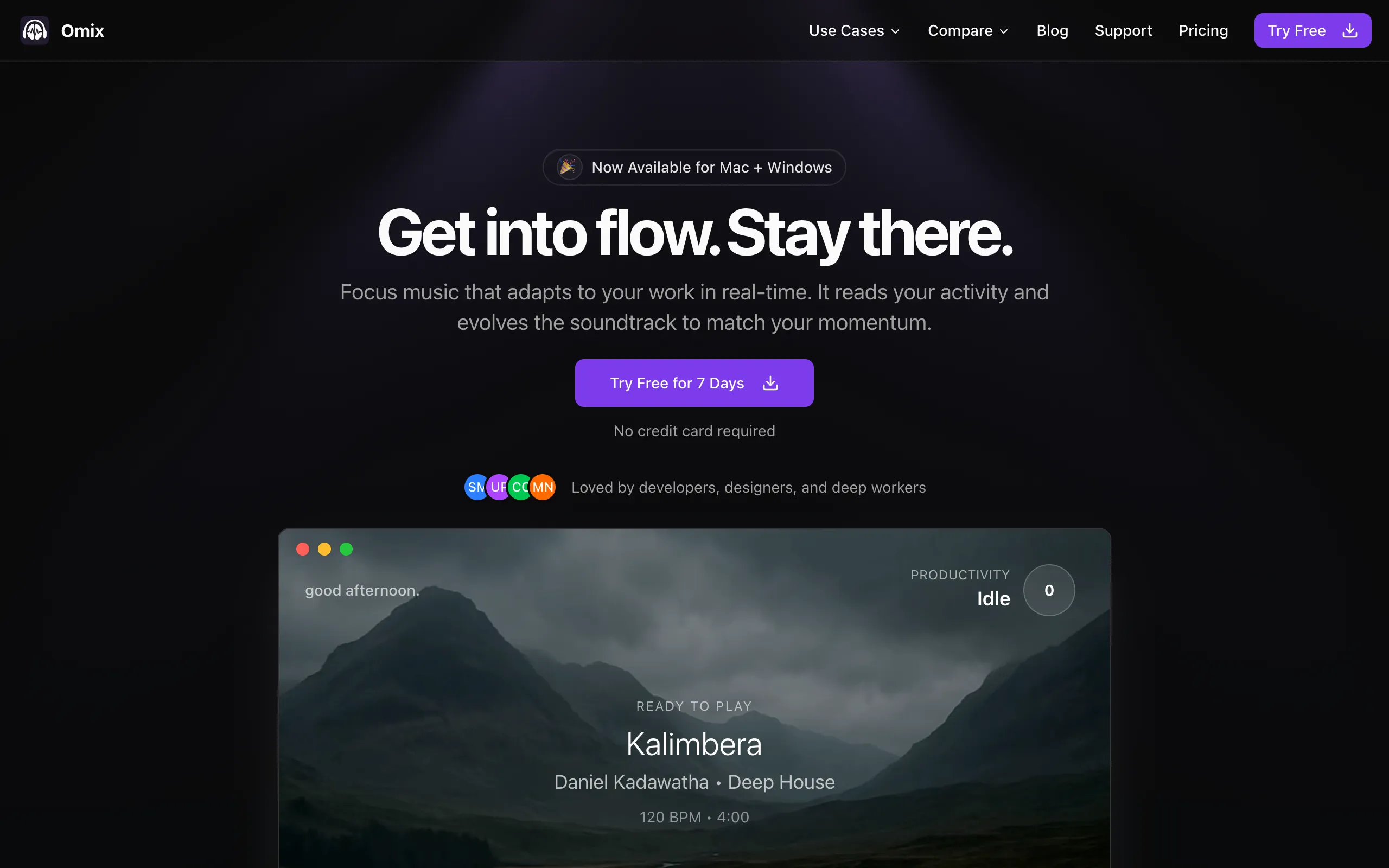
omix.app
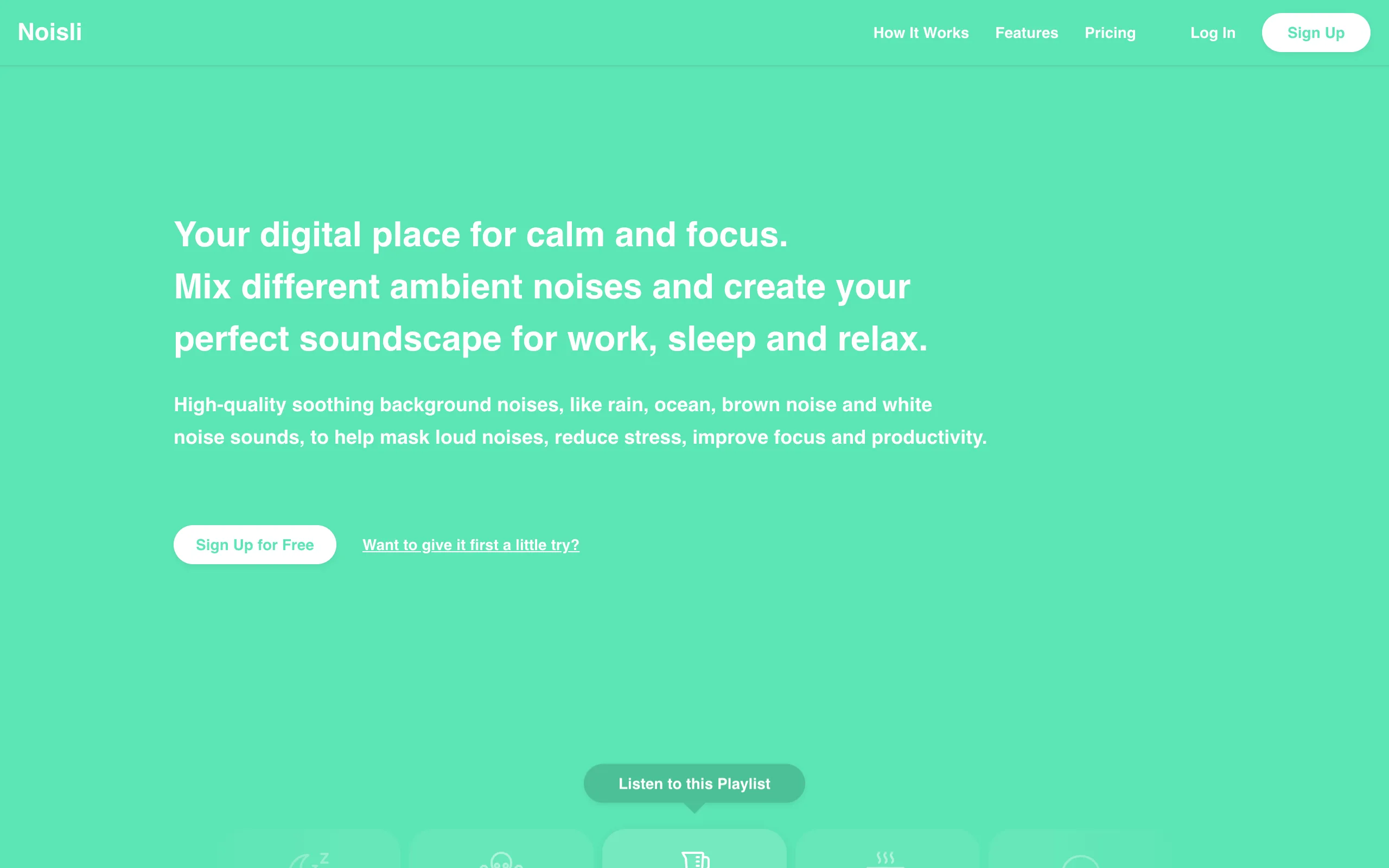
noisli.com
Quick Comparison
| Feature |  Omix Omix |  Noisli Noisli |
|---|---|---|
| Audio Type | Real instrumental music (5 genres) | Ambient sounds & white noise |
| Adaptation | Real-time workflow monitoring | Manual sound mixing |
| Music Building | Dynamic layering by activity | Static ambient loops |
| Genres | Deep house, lofi, jazz fusion, post-rock, dark techno | Rain, wind, fire, coffee shop, etc. |
| Productivity Analytics | Focus patterns & app insights | Timer only |
| Privacy | 100% local processing | Web-based streaming |
| Platform | Mac + Windows native app | Browser on desktop, plus iOS and Android apps |
| Monthly Price | $7.99/mo+ Lifetime option | Free / $10/moFree tier is limited |
How They Work Differently
OmixReal-Time Workflow Adaptation
Monitors your actual keyboard activity and app usage to build music layers dynamically
Silent Monitoring
Runs quietly in your menu bar, tracking typing speed and app switches
Dynamic Building
Starts ambient, adds basslines when you type, builds to full orchestration with drums, guitar, keys
Contextual Intelligence
Adapts to different apps and learns your focus patterns over time
NoisliAmbient Sound Mixing
Lets you blend nature sounds and colored noise into a custom ambient background
Sound Selection
Pick from 28 sounds: rain, thunder, wind, ocean, coffee shop, train, white/pink/brown noise
Manual Mixing
Adjust volume sliders to blend your preferred combination
Save Favorites
Store up to 10 custom mixes (Pro plan)
The Core Difference
Noisli is ambient noise. Omix is music.
Noisli excels at creating a consistent background hum: rain plus coffee shop plus soft wind. It masks distracting sounds and creates a steady environment. But it doesn't change, react, or adapt to what you're doing.
Omix creates actual music: composed instrumental tracks with real instruments that build and recede based on your activity. When you're typing fast and in flow, the music builds up with drums and bass. When you pause to think, it pulls back to ambient pads. It's the difference between white noise and a film score written for your workday.
When to Choose Each App

Choose Omix if you:
- Want real music, not just ambient sounds
- Need something that adapts to your energy without manual adjustment
- Want productivity analytics and focus insights
- Have ADHD and need stimulation that scales with your activity
- Prefer a native desktop app
- Want a one-time lifetime purchase option

Choose Noisli if you:
- Prefer ambient/nature sounds over music
- Want fine-grained control over individual sound layers
- Need a free option (Noisli has a limited free tier)
- Work primarily in a browser
- Want to mask office noise without music
- Need a simple text editor alongside your sounds
Pricing Comparison
Omix
Noisli
The Bottom Line
Choose Omix for Adaptive Music
If you want focus music that reacts to how you work (real instruments, real composition, real adaptation) Omix is in a different category from Noisli. It's like comparing a film composer to a white noise machine. Popular with writers and anyone doing deep work.
Choose Noisli for Ambient Masking
If you just need steady background noise to mask distractions and prefer nature sounds over music, Noisli is a solid, simple choice with a generous free tier.
Frequently Asked Questions
Is Omix the same as Noisli?
No. Noisli is an ambient sound mixer that lets you blend nature sounds and white noise. Omix is a focus music app that plays real instrumental music (deep house, lofi beats, jazz fusion, post-rock, dark techno) and adapts the music in real-time based on your keyboard activity and app usage.
Does Noisli adapt to your workflow?
No. Noisli plays static ambient sounds that you manually mix and adjust. Omix monitors your actual work patterns and dynamically builds music layers, adding instruments when you're active and pulling back when you pause.
Which is better for ADHD, Omix or Noisli?
Many ADHD users find that static ambient noise isn't stimulating enough to maintain focus. Omix's adaptive approach, where the music builds with your activity, provides the right level of stimulation that scales with your focus state. This can be more effective for ADHD brains that need dynamic input.
Is Noisli free?
Noisli has a free tier with 16 sounds and 1.5 hours per day of streaming. The Pro plan ($10/month) unlocks all 28 sounds and unlimited streaming. Omix offers a 7-day free trial with full features and no credit card required.
Compare Omix to Other Tools
See how Omix stacks up against other productivity and focus solutions.
Ready to hear real focus music?
Try Omix free for 7 days and experience the difference between ambient noise and adaptive instrumental music. No credit card required.