Omix vs Spotify Focus Playlists
Spotify playlists are free with your subscription. Omix builds a live soundtrack around your workflow. Here's why some people switch, and when Spotify is good enough.
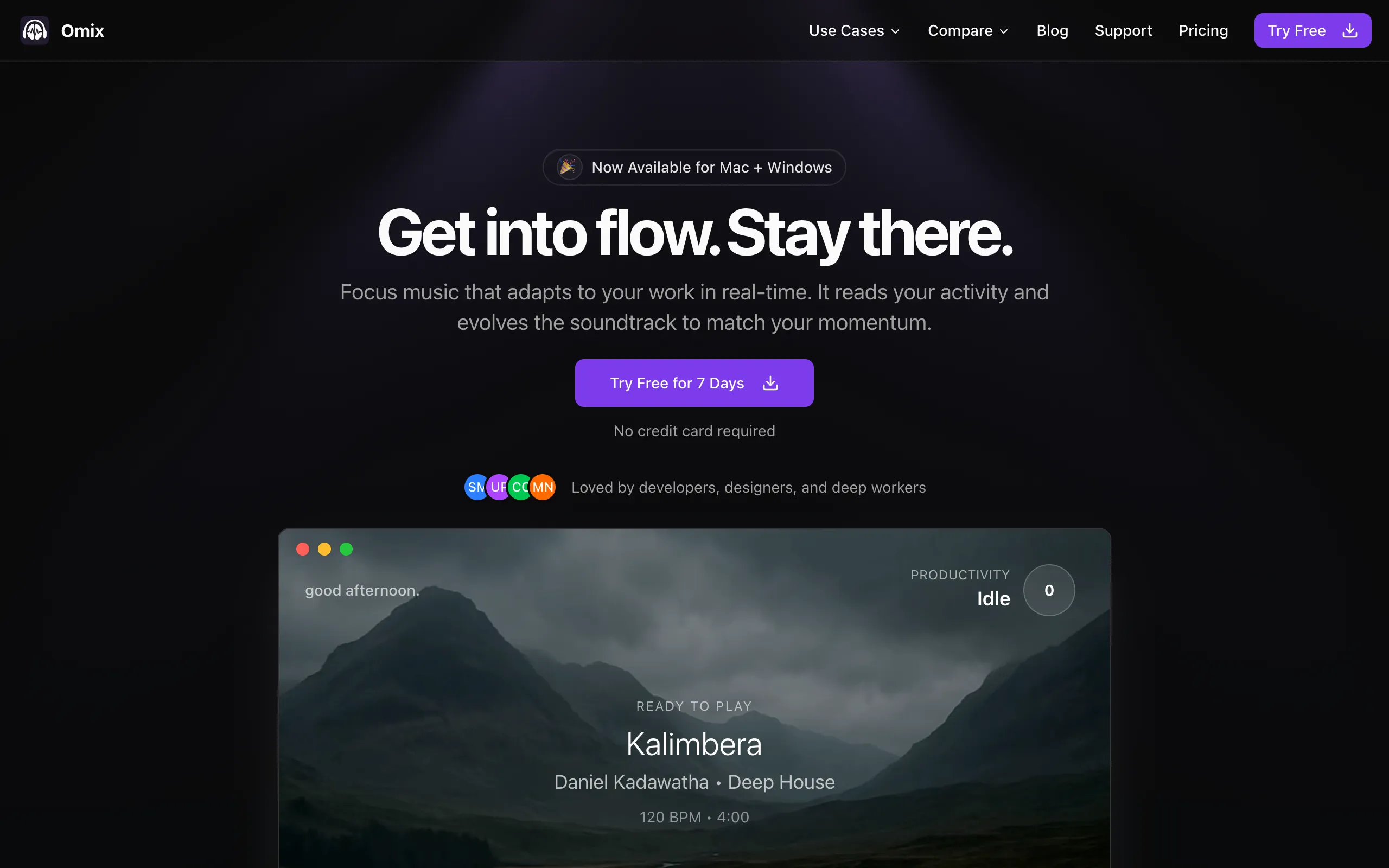
omix.app
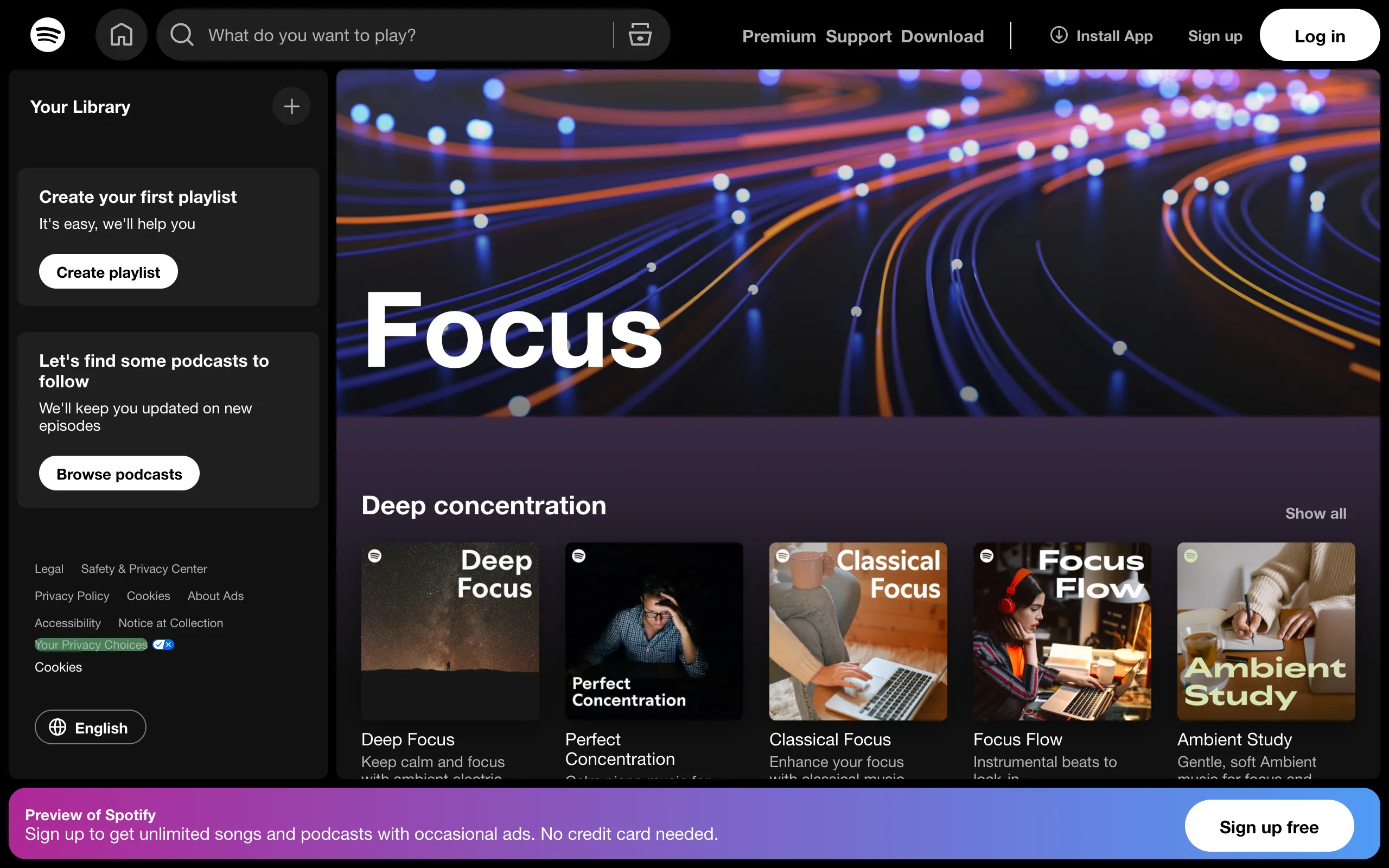
Spotify Focus
Quick Comparison
| Feature |  Omix Omix |  Spotify Focus Playlists Spotify Focus Playlists |
|---|---|---|
| Audio Type | Real instrumental music (5 genres) | Curated playlists of existing tracks |
| Adaptation | Real-time workflow monitoring | None (shuffle or sequential) |
| Music Building | Dynamic layering by activity | Static track playback |
| Distraction Risk | Zero: no lyrics, no transitions, no ads | Song changes, album art, recommendations |
| Productivity Analytics | Focus patterns & app insights | Spotify Wrapped (not productivity-related) |
| Privacy | 100% local processing | Full listening data sent to Spotify |
| Works Offline | Yes (all music is local) | Premium only |
| Monthly Price | $7.99/mo+ Lifetime option | "Free" / $12.99/moWith existing Spotify sub |
How They Work Differently
OmixReal-Time Workflow Adaptation
Monitors your actual keyboard activity and app usage to build music layers dynamically
Silent Monitoring
Runs quietly in your menu bar, tracking typing speed and app switches
Dynamic Building
Starts with ambient sounds, adds basslines when you type, builds to full orchestration with drums, guitar, keys
Contextual Intelligence
Adapts to different apps and learns your focus patterns over time
Spotify Focus PlaylistsCurated Static Playlists
Spotify offers several focus-oriented playlists curated by editors and algorithms
Browse & Select
Find a focus playlist (Deep Focus, Brain Food, Lo-Fi Beats, etc.)
Press Play
Music plays sequentially or shuffled, same as any playlist
No Adaptation
Music doesn't change based on your activity. A song ends, the next one starts.
The Real Problem with Spotify for Focus
Most people start with Spotify playlists because they already have a subscription. It makes sense. But here's what happens over time:
The Distraction Trap
Spotify is designed to keep you browsing. Notifications about new releases. "Made For You" suggestions. A song you love comes on and you check the artist. That quick album art glance turns into five minutes of browsing. Spotify's UX is optimized for engagement, not for disappearing into the background.
Song Transitions Break Flow
Every 3-4 minutes, one song ends and another begins. That transition is a micro-interruption. Your brain notices the change, evaluates the new song, decides if it likes it. With ADHD or deep focus work, these tiny interruptions compound into real productivity loss.
The Vocal Problem
Focus playlists frequently include tracks with vocals. Even "Lo-Fi Beats" playlists sneak in songs with lyrics. Research consistently shows that music with lyrics interferes with reading and writing tasks. You have to actively skip tracks that break your concentration.
Listening Fatigue
Playlists have a fixed number of tracks. After a week, you've heard them all. The familiarity that initially helped focus becomes boring. You spend time hunting for a new playlist instead of working.
When to Choose Each

Choose Omix if you:
- Get distracted by song transitions and playlist browsing
- Want music that responds to what you're doing
- Work in long focus sessions (1+ hours)
- Have ADHD or find traditional playlists distracting
- Want to see data about your productivity patterns
- Prefer zero-setup: no picking playlists, no skipping tracks
- Want a dedicated focus tool, not an entertainment app

Choose Spotify Focus Playlists if you:
- Already have a Spotify subscription and budget is tight
- Prefer choosing exactly what you listen to
- Work in short bursts (under 30 minutes)
- Want lyrics and vocal tracks sometimes
- Use Spotify for everything and want one app
- Don't mind the occasional browsing distraction
- Listen on mobile primarily
Pricing Comparison
Omix
Spotify
The Bottom Line
Spotify Is Fine. Omix Is a Focus Tool.
Spotify focus playlists are background music. They're better than silence for most people, and they're essentially free if you already subscribe.
Omix Is Different
Omix watches what you're doing and builds the music around your workflow. When you're deep in code or writing, the music intensifies. When you pause, it settles. There are no song transitions to notice, no playlist decisions to make, no recommendations pulling you away. See how students and developers use it.
If Spotify playlists work for you, great. Keep using them. But if you've noticed yourself browsing Spotify instead of working, or if songs ending keeps pulling you out of flow, Omix solves that specific problem.
Frequently Asked Questions
Can I use Omix and Spotify together?
Yes. Omix runs as a separate app. Some people use Omix during deep work sessions and switch to Spotify for casual listening.
Is Omix just another playlist?
No. Omix doesn't play pre-made tracks. It layers individual stems (drums, bass, melody, ambient sounds) in real-time based on your activity. The music is always different because it's always responding to what you're doing.
Does Omix work on mobile?
Omix is currently a desktop app for Mac and Windows. Focus music matters most at your desk, where deep work happens.
What genres does Omix have?
Five genres designed for focus: Deep House, Lofi Beats, Post-Rock, Jazz Fusion, and Dark Techno. All instrumental, all adaptive.
I have ADHD. Which is better?
Many Omix users have ADHD. The key advantage over Spotify: no decisions, no transitions, no browsing. Omix runs in the background and adapts automatically. One fewer thing your brain needs to manage.
Compare Omix to Other Tools
See how Omix stacks up against other productivity and focus solutions.
Keep Spotify. Try Omix for focus.
Try Omix free for 7 days alongside your existing Spotify subscription. See if adaptive music changes anything for your deep work sessions. No credit card required.